Whatnot Inventory Management
7 min read·Updated July 2026
Overview
Inventory Management is where you browse and create Whatnot products from Seller Hub.
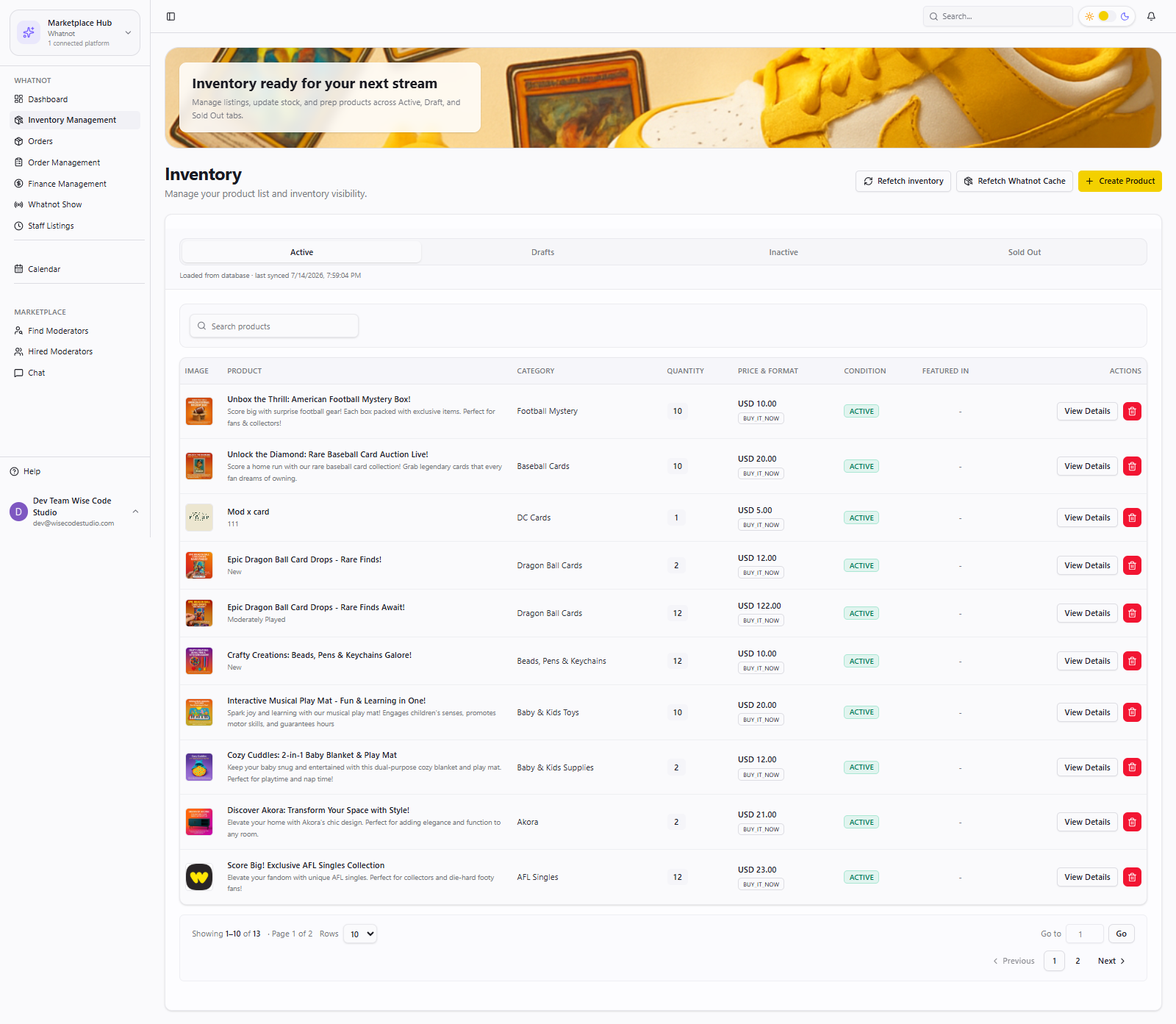
Inventory states
- Active — live and sellable
- Inactive — hidden from selling
- Sold out — zero stock
- Draft — not published yet
- 1
Open Whatnot hub → Inventory Management.
- 2
Filter by status to find the listings you need.
- 3
Click Create to add a new product.
- 4
Fill category and details, or use AI autofill (next guide).
- 5
Save and confirm the item appears in the correct status list.
Browser extension
Whatnot sync may rely on your connected account and extension. Keep the session signed in while syncing.
FAQ
Related articles
Was this article helpful?