Staff Listings (Pending Inventory)
5 min read·Updated July 2026
Overview
When staff create inventory, it does not go live immediately. It appears in Staff Listings for your review.
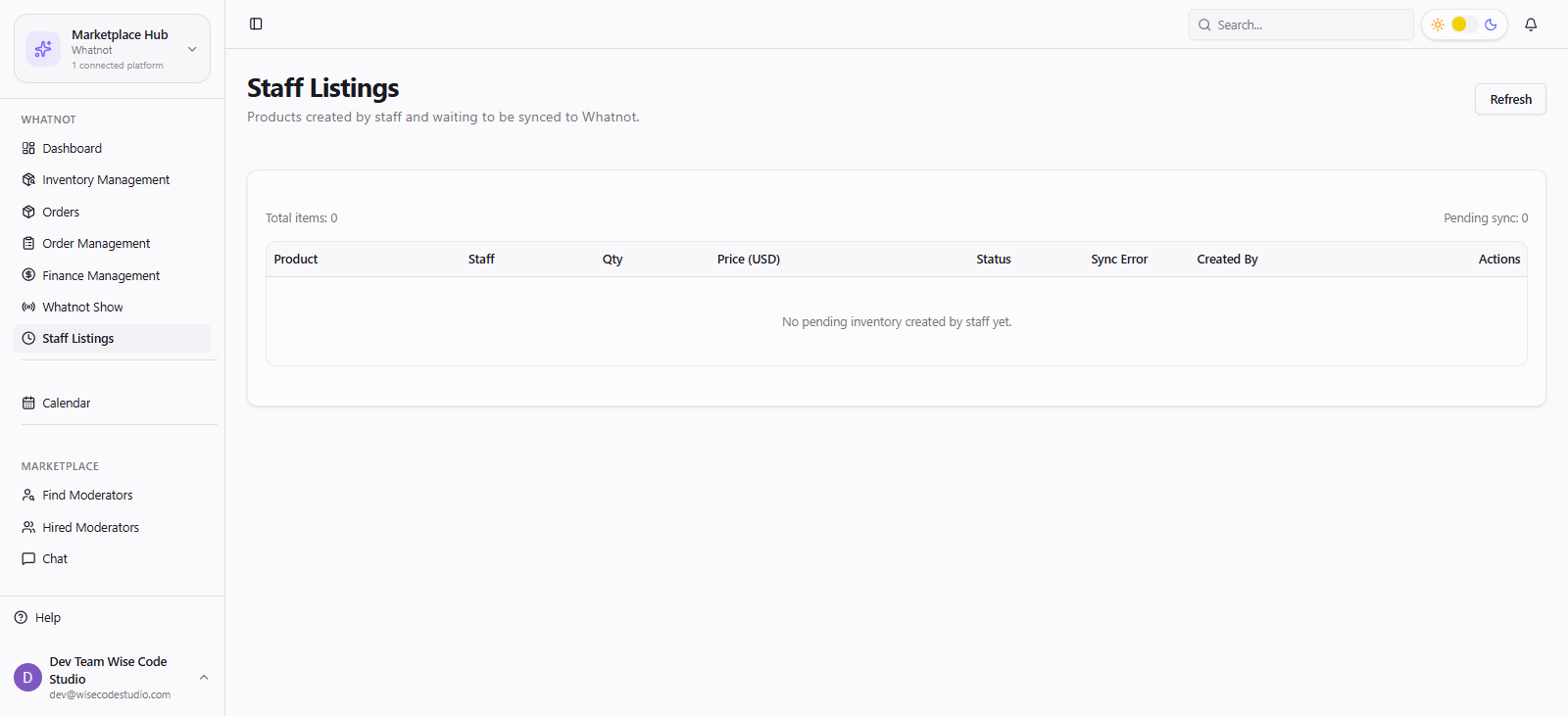
- 1
Open Whatnot hub → Staff Listings.
- 2
Open a pending item and review title, description, thumbnail, and category.
- 3
Approve to sync to Whatnot, or reject / request edits.
- 4
Confirm the listing appears in Inventory Management after sync.
Team scale tip
Let warehouse staff draft listings during downtime; you approve in batches before each show.
FAQ
Related articles
Was this article helpful?