Organization: General, Roles, Members & Staff
10 min read·Updated July 2026
Overview
Organization is where you define how your team works. Open Agency → Organization. You will see four tabs.
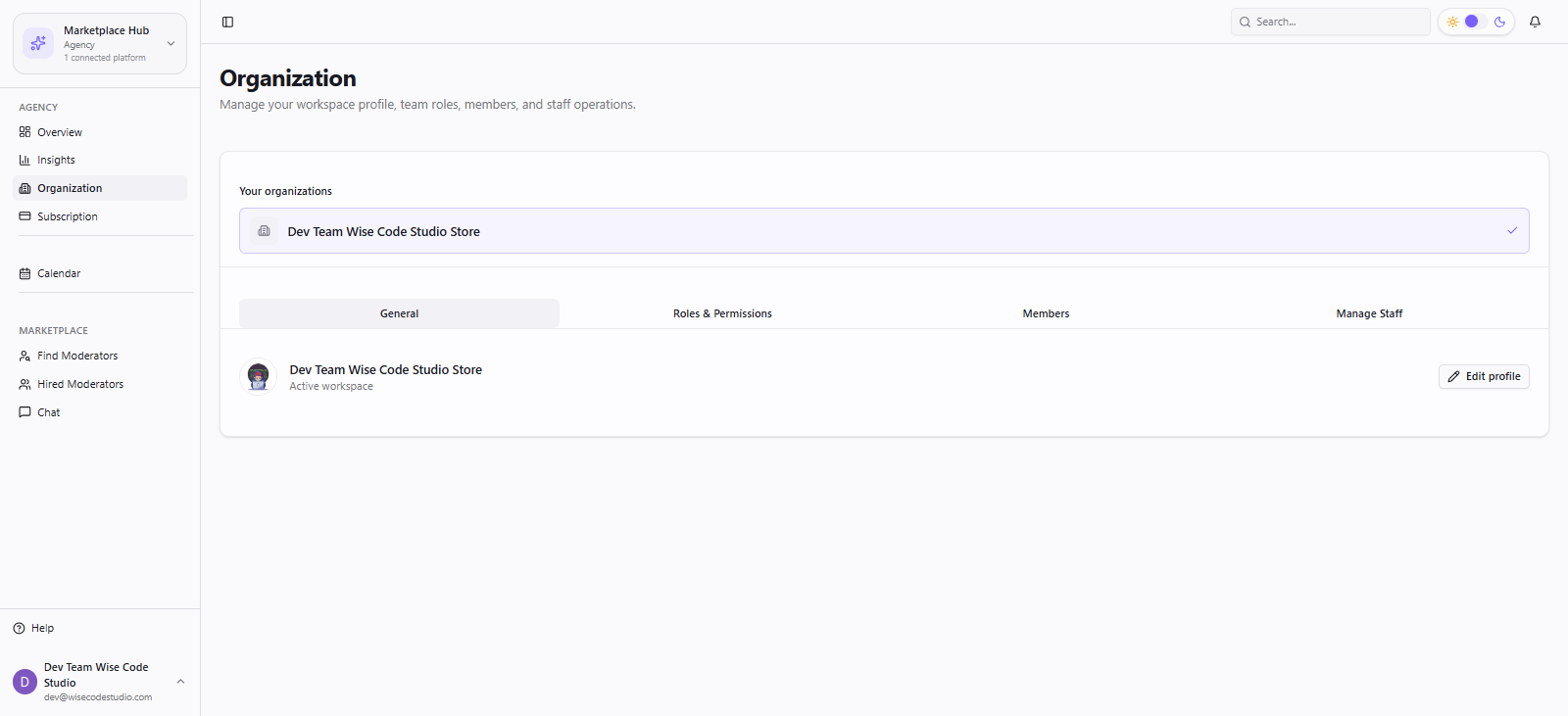
1. General
Update workspace profile and organization settings that appear across Seller Hub.
2. Roles & Permissions
Create named roles (for example “Warehouse Lead”) and attach modules:
- View Inventory, View Orders, Order Management
- Shipment Details, Packing, Labelling (Whatnot ops)
- Clock In / Clock Out
- Host Shows (accept/reject assigned live shows)
- 1
Open Roles & Permissions → Create role.
- 2
Name the role clearly for your team.
- 3
Check only the modules that person should see.
- 4
Save — staff with this role get a filtered sidebar.
3. Members
- 1
Open Members → Invite.
- 2
Enter email and assign a workspace role.
- 3
Member accepts the invite and signs in as staff.
4. Manage Staff
- View staff accounts and attendance summaries
- Open attendance detail per user
- Jump to Payroll to pay staff
- Connect QuickBooks for payroll sync
Least privilege
Start with fewer modules. You can always expand permissions later from Roles & Permissions.
FAQ
Related articles
Was this article helpful?